Testimonial video reels
What is the Testimonial video reels section?
The Testimonial video reels section shows short vertical videos, like social media reels, mixed with testimonial cards in a looping carousel. The reel in the middle plays automatically. Use it to show customers using your products, next to what they say about them.
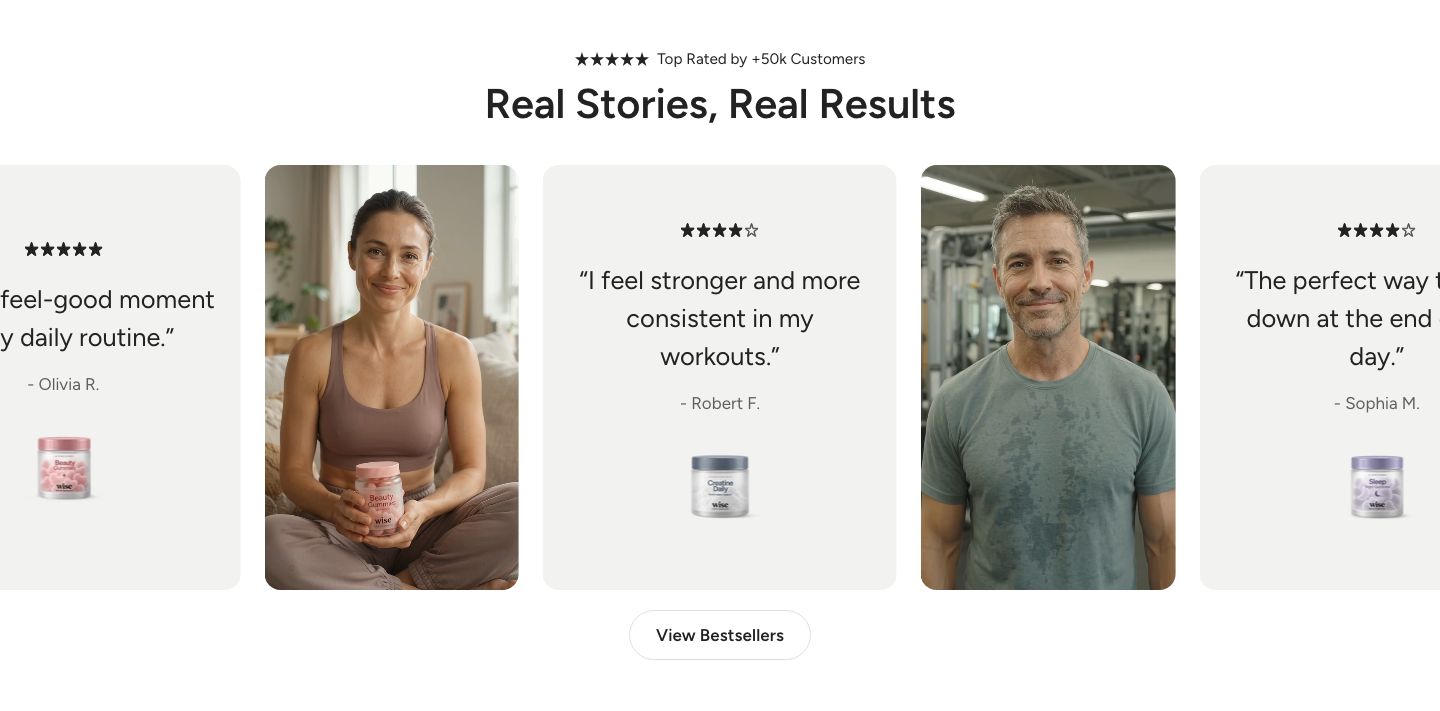
You will find the section under Testimonials in the Add section menu. It starts with a heading, three video reels and three testimonial cards in turn, and a button below the carousel.
Section structure
When you expand the section in the theme editor sidebar, you will see two fixed blocks and one theme block:
- Header: An optional heading area above the carousel. It contains a Heading block by default. Remove the heading if you do not need a section title.
- Video reels container: The carousel. It holds the Video reel and Testimonial blocks, in any order you like.
- Button: A Button block below the carousel, for example to link to a collection. You can remove it or add it again with Add block at the section level.
See How sections and blocks work for more about fixed blocks and theme blocks.
Section settings
Colors
- Background color: Set the background color of the section.
- Background gradient: Set a background gradient. A gradient overrides the background color.
- Text color: Set the text color for the whole section.
- Star color: The color of the rating stars. Leave it empty to use the theme star color.
Section spacing
- Distance top (desktop): Space above the section on desktop (0 to 100 px).
- Distance bottom (desktop): Space below the section on desktop (0 to 100 px).
- Show custom mobile spacing: Enable this setting to use different spacing on mobile. When it is on, Distance top (mobile) and Distance bottom (mobile) appear.
Header block
Click the Header block to style the heading area above the carousel.
- Text alignment (desktop) and Text alignment (mobile): Align the heading (options: Left, Center, Right).
- Text container max width: Limit the width of the heading area (0 to 1600 px). Set it to 0 to use the default maximum width.
- Text color: Override the section text color for the heading area.
You can add any theme block to the Header, for example a Subheading above the heading or a Text block below it.
Video reels container block
Click the Video reels container block to set up the carousel. The carousel loops endlessly and keeps one item in the center.
- Autoplay the centered reel: Play the video in the center of the carousel automatically. When it is off, each reel shows its cover image until a visitor taps the video or the play button.
- Reel ratio: The shape of the video reels (options: Portrait, Square, Landscape, Custom).
- Testimonial ratio: The shape of the testimonial cards (options: Portrait, Square, Landscape, Custom).
- Custom ratio width and Custom ratio height: Set your own shape, for example 9 and 16 for a phone video (1 to 16). Shown only when the ratio above is set to Custom.
Content blocks
Click Add block under the Video reels container to add a video or a testimonial.
Video reel block
- Video: Select a video uploaded to Shopify. Short vertical videos work best.
- Custom play/pause button: Show the theme's play/pause button on top of the video.
- Custom mute/unmute button: Show the theme's sound button on top of the video.
Testimonial block
- Rating: Show a star rating, a quote icon or nothing at the top of the card (options: None, Quote, 4 stars, 4.5 stars, 5 stars).
- Hide image: Hide the product image at the bottom of the card.
- Product: Link the card to a product. The product's featured image is used when no Product image is selected, and the image links to the product page. Works only when the image is shown.
- Product image: Upload your own image for the card. Shown only when Hide image is off.
- Layout: Where the content sits in the card (options: Centered, Top, Bottom, Text top, image bottom).
Quote
- Quote: The testimonial text.
- Text style: The font used for the quote (options: Heading, Subheading, Body, Custom).
- Custom font: Pick any font from the Shopify font library. Shown only when Text style is set to Custom.
- Text scale: Make the quote smaller or larger (50 to 200%).
Author
- Author: The name of the customer.
Colors
- Card background color: The background of the card.
- Text and icon color: The color of the text, the quote icon and the rating stars on this card.
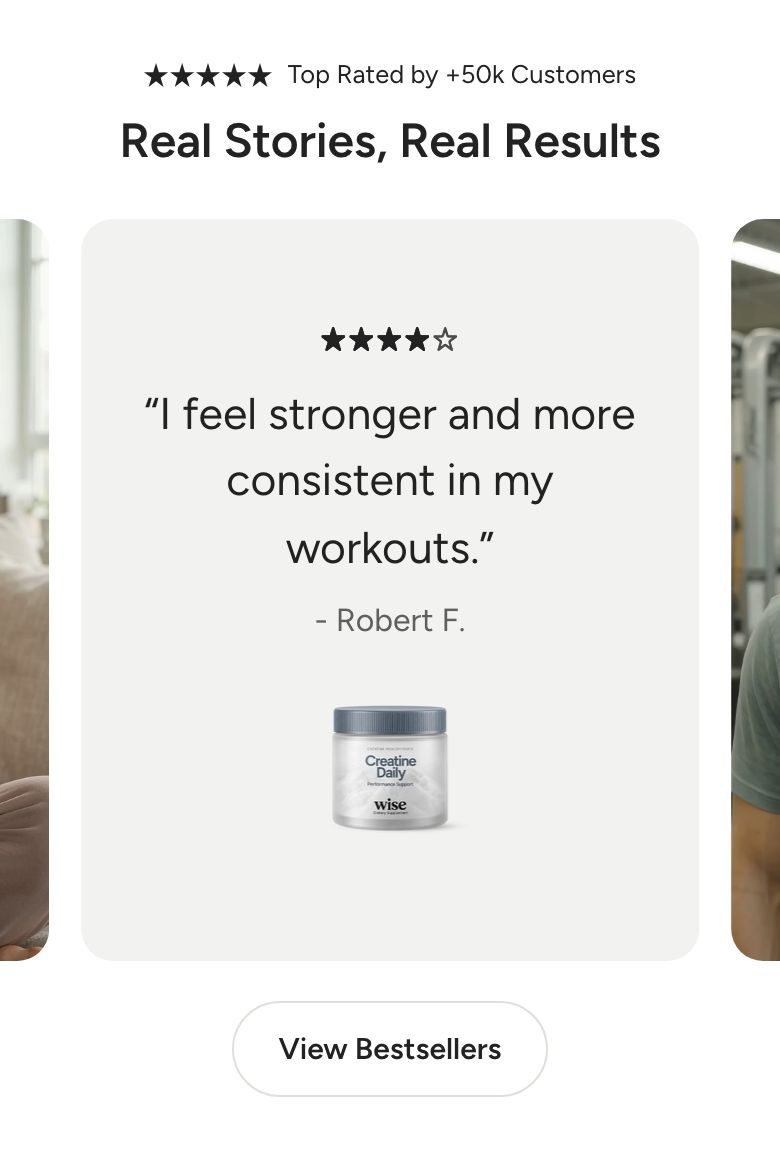
Mobile view example