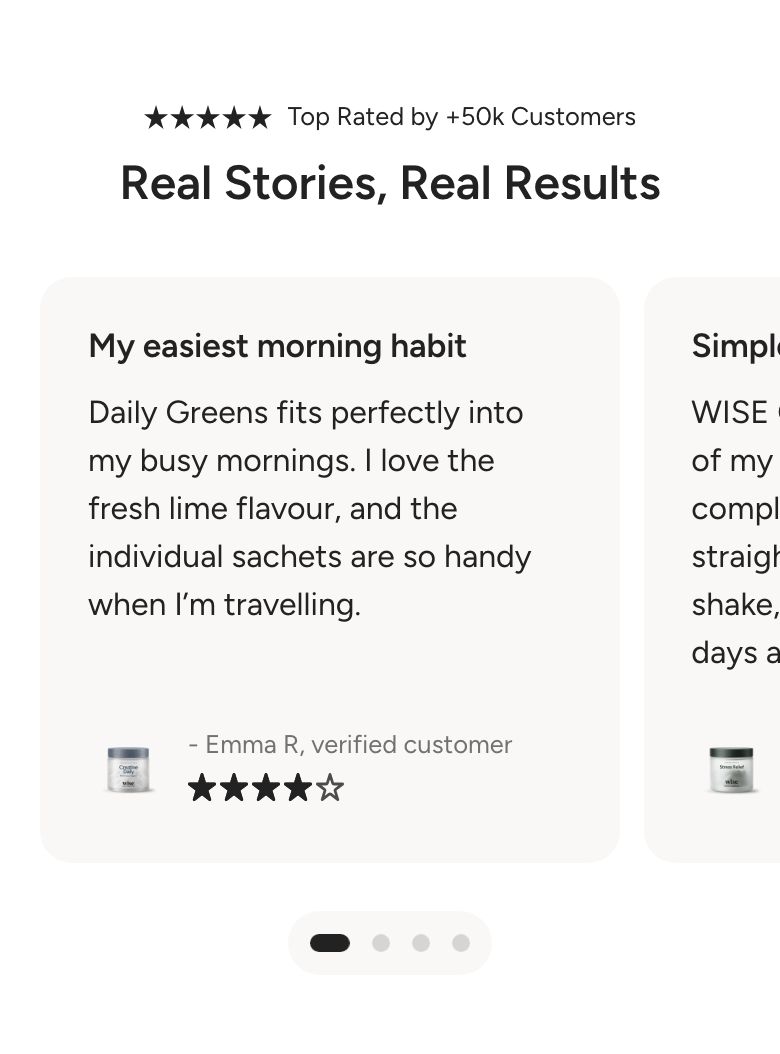
Testimonial: Marquee
What is the Testimonial: Marquee section?
The Testimonial: Marquee section shows customer reviews as cards in a single row. The row can move continuously across the screen, like a ticker, or visitors can swipe through the cards themselves. Each card has a heading, a review, a rating and the author with a small image or icon.
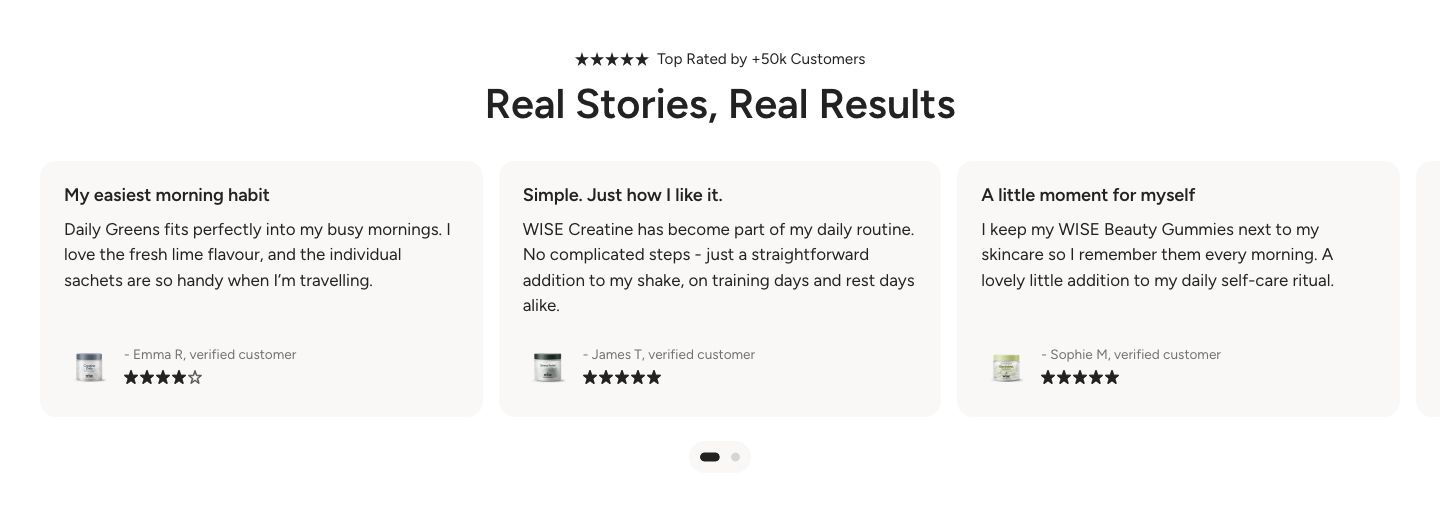
You will find the section under Testimonials in the Add section menu. It starts with a heading and three testimonial cards.
Section structure
When you expand the section in the theme editor sidebar, you will see two fixed blocks:
- Header: An optional heading area above the cards. It contains a Heading block by default. Remove the heading if you do not need a section title.
- Testimonial cards: Holds the cards and controls the animation and the look of every card. Each review is a Testimonial block inside it.
See How sections and blocks work for more about fixed blocks and theme blocks.
Section settings
Colors
- Background color: Set the background color of the section.
- Background gradient: Set a background gradient. A gradient overrides the background color.
- Text color: Set the text color for the whole section.
Section spacing
- Distance top (desktop): Space above the section on desktop (0 to 100 px).
- Distance bottom (desktop): Space below the section on desktop (0 to 100 px).
- Show custom mobile spacing: Enable this setting to use different spacing on mobile. When it is on, Distance top (mobile) and Distance bottom (mobile) appear.
Header block
Click the Header block to style the heading area above the cards.
- Text alignment (desktop) and Text alignment (mobile): Align the heading (options: Left, Center, Right).
- Text container max width: Limit the width of the heading area (0 to 1600 px). Set it to 0 to use the default maximum width.
- Text color: Override the section text color for the heading area.
You can add any theme block to the Header, for example a Subheading above the heading or a Text block below it.
Testimonial cards block
Click the Testimonial cards block to set the animation and the look of all cards at once.
Animation
- Animation mode: Choose Marquee for a row that moves on its own, or Swipe for a slider that visitors move themselves.
- Marquee mode speed: How fast the row moves (options: Slow, Normal, Fast). Shown only in Marquee mode.
- Animation direction: The direction the row moves in (options: To left, To right). Shown only in Marquee mode.
The marquee pauses when a visitor hovers over it, or taps it on a phone. When a visitor's device is set to reduce motion, it does not move.
Desktop version
- Card width: The width of each card (100 to 800 px). Shown only in Marquee mode.
- Items per row: How many cards are visible at once (1 to 5). Use a decimal value, for example 2.4, to show part of the next card as a hint that there is more to swipe. Shown only in Swipe mode.
- Gap: The space between cards (4 to 40 px).
- Text alignment: Align the text inside the cards (options: Left, Center, Right).
Mobile version
The same settings as above, for mobile. Card width goes from 100 to 800 px and Items per row from 1 to 3.
Pagination
These settings appear only in Swipe mode. The dots follow your Sliders theme settings unless you turn on custom dots.
- Custom dots: Enable this setting to style the dots for this section only.
- Dot background color, Dot background blur (0 to 20 px), Active dot color and Inactive dot color: Style the dots. Shown only when Custom dots is on.
Heading
- Font: The font used for the card headings (options: Body, Heading, Subheading).
- Heading scale (desktop) and Heading scale (mobile): Make the card headings smaller or larger (70 to 200% on desktop, 70 to 150% on mobile).
Text
- Font: The font used for the review text (options: Body, Heading, Subheading).
- Text scale (desktop) and Text scale (mobile): Make the review text smaller or larger (70 to 200% on desktop, 70 to 150% on mobile).
Author
- Font: The font used for the author name (options: Body, Heading, Subheading).
- Author scale (desktop) and Author scale (mobile): Make the author name smaller or larger (70 to 200% on desktop, 70 to 150% on mobile).
- Author image size (desktop) and Author image size (mobile): The size of the author image or icon (40 to 100 px).
Colors
- Card background color: The background of every card.
- Card heading color: The color of the card headings.
- Card author color: The color of the author name.
- Star color: The color of the rating stars. Leave it empty to use the theme star color.
Testimonial block
Click Add block under Testimonial cards to add another card, then click it to edit it.
- Heading: A short title for the review.
- Text: The review itself.
- Author: The name of the customer, for example "Anna, verified customer".
- Author image: A small photo shown next to the author name.
- Icon: An icon from the theme's icon set, shown in place of the author image when no image is selected. Choose None to show neither.
- Rating: Show a star rating, a quote icon or nothing (options: None, Quote, 4 stars, 4.5 stars, 5 stars).
Mobile view example